To run a Thermador self-clean cycle, let the oven cool, wipe out heavy spills, remove the racks and all accessories, then start the self-clean function as described in your owner’s manual. The oven locks, heats to a very high temperature to burn off baked-on soil, and opens again only after it has cooled. When it is cool, wipe out the ash with a moist cloth.
Steps to start the cycle vary by model, so this guide covers what applies to every Thermador oven: how to prepare, what never to put in the oven, how to ventilate, what to do afterward, and what to try if the door stays locked.
Before you start. Self-clean heats the oven to a very high temperature. Open a window or use a ventilation fan or hood, and do not block the oven vents. Do not use oven cleaners or other chemical cleaners in the oven. Check your owner’s manual for fume and pet warnings for your model.
Before You Start the Cycle
- Let the oven cool. Start only from a cool oven.
- Wipe out loose soil and heavy spills. Large spills smoke and can leave more residue.
- Remove the racks and all accessories. This includes the broiler pan and grid, the meat probe and the rotisserie. They cannot withstand the cycle and should be washed by hand.
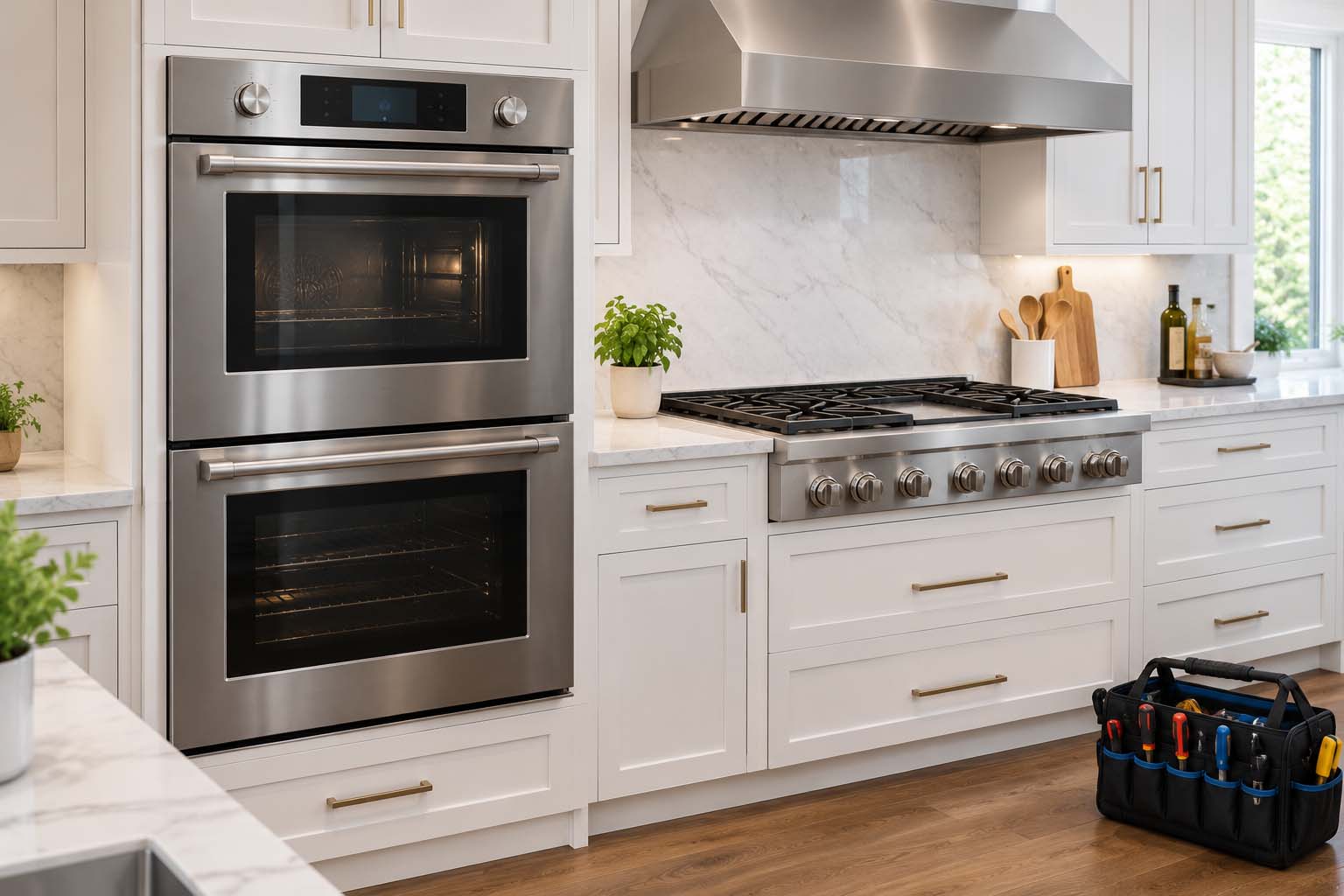
- Turn off the other oven. On a double oven, self-clean only one oven at a time.
- Ventilate. Open a window or run a fan or hood, and keep the oven vents clear.
Running the Self-Clean Cycle
Start the cycle as your owner’s manual describes. Thermador notes that all models have slightly different instructions to activate it. A few things are the same or common across models:
- Cycle time. On the POD301, POD302 and PODC302 ovens you set 1:30 to 2:30 hours. For a badly soiled oven, use the maximum time.
- The door locks. It locks a few seconds after the cycle starts and cannot be opened while it runs.
- The display counts down the cleaning time.
- Canceling. On those models, turn the heating mode dial to OFF. The oven still has to cool before the door opens.
After the Cycle
- Wait until the oven has completely cooled. The door opens only then. Thermador does not publish a cool-down time.
- Wipe out the ash with a moist cloth.
- Wipe the door seals and inner door if needed with warm, mild soapy water, then dry thoroughly. Do not clean the fiberglass door gasket.
- Put the racks back after hand-washing them.
If the oven is still dirty, repeat the prep steps and run the cycle again at the maximum time. Fine lines and discoloration on the porcelain over time are normal and do not affect how the oven works. For how often to deep clean and what else keeps an oven in good shape, see our Thermador maintenance checklist.
Cleaning Racks and Accessories by Hand
- Racks. Wash with hot soapy water. Do not use the dishwasher. Rinse and dry well. If telescopic racks stop gliding smoothly, Thermador suggests a high-temperature food-grade lubricant on the slides.
- Broiler pan and tray. Wash with hot soapy water, rinse and dry.
- Meat probe. Wipe with soapy water. Do not submerge it or put it in the dishwasher.
- Rotisserie. Wash with hot soapy water and a dish cloth or brush. Do not soak it or put it in the dishwasher.
Cleaning Without Self-Clean, and the Outside of the Oven
- Interior. When the oven is cool, use hot soapy water and a nonabrasive sponge, or a mild cleaner such as Soft Scrub, Bon-Ami or Ajax. Rinse thoroughly and dry with a soft cloth.
- Porcelain. Wipe up acidic spills such as fruit juice, milk and tomatoes right away. Do not put a damp cloth on hot porcelain.
- Oven window. After it cools, wash with hot soapy water and a nonabrasive sponge, or use glass cleaner if needed.
- Stainless steel. Use mild soapy water and a soft cloth, wiping along the grain. Rinse and dry to avoid watermarks. Avoid abrasive and chlorine-based cleaners.
- Painted surfaces. Use hot soapy water and a soft cloth. Do not use powdered cleaners, steel wool or oven cleaners.
If Something Goes Wrong
| What you notice | Likely cause | Safe first step |
|---|---|---|
| Door is still locked after the cycle | The oven is still hot. The door opens only after the oven has cooled | Wait until it has completely cooled and the lock releases |
| Door stays locked after the oven is cool | A lock or latch that did not reset | Turn the breaker off for 5 minutes, then on. If the latch will not retract, 1 minute. Check for objects in the door. More in our oven troubleshooting guide |
| Cycle will not start | A door that is not fully closed, a second oven still on, or a model-specific start step | Close the door fully, turn the other oven off, and follow the start steps in your owner’s manual |
| Smoke or a burning smell during the cycle | Baked-on soil burning off at very high heat | Ventilate the kitchen. Wipe out heavy spills before the next cycle |
| Oven still looks dirty afterward | Heavy soil, or a short cycle time | Repeat the prep steps and run the maximum cleaning time |
| Display is dead after the cycle | A control or power fault | See our oven error codes guide, or call for service |
What Not to Do
- Do not use oven cleaners or chemical cleaners in the oven. They may damage the porcelain.
- Do not leave racks or accessories in during the cycle.
- Do not run both ovens of a double oven at once.
- Do not block the oven vents.
- Do not use abrasive cleaners or scouring pads on oven parts or discoloration.
When to Call a Technician
Call when:
- The door is still locked after the oven has cooled and you have tried the breaker reset.
- The display is dead or shows an error that comes back after a reset.
- The oven will not heat normally after a self-clean cycle.
- You see sparks or smell burning plastic, or the breaker trips as soon as you reset it.
To book a visit, see our Thermador oven repair or range repair service, or contact us.
Frequently Asked Questions
How long does a Thermador self-clean cycle take?
It depends on the model. On the Thermador POD301, POD302 and PODC302 built-in ovens, you set the cleaning time from 1:30 to 2:30 hours. For a badly soiled oven, Thermador says to use the maximum time. Check your owner’s manual for your model’s options.
Can I leave the racks in during self-clean?
No. Thermador says to remove the racks and all accessories before the cycle and not to clean racks or accessories in the oven during self-clean. Wash them by hand instead.
Can I use oven cleaner in a Thermador oven?
Thermador says not to use oven cleaners or other chemical cleaners, because they may damage the porcelain surface. Use the self-clean cycle, or hot soapy water and a nonabrasive sponge.
Why is my Thermador oven door locked after self-clean?
The oven locks a few seconds after the cycle starts and opens again only after it has cooled. Thermador does not publish a cool-down time, so wait until the oven has completely cooled. If the door is still locked once the oven is cool, see the reset steps above or our oven troubleshooting guide.
Can I self-clean two Thermador wall ovens at the same time?
No. Thermador says to self-clean only one oven at a time on a double oven. The other oven must be off.
Is it normal for my oven to smell or smoke during self-clean?
Some odor and smoke is expected, because the oven heats to a very high temperature to burn off soil. Open a window or use a ventilation fan or hood, and do not block the oven vents. Wiping out heavy spills before the cycle reduces smoke. Check your owner’s manual for fume and pet warnings for your model.
Can I turn on the oven light during self-clean?
On the POD301, POD302 and PODC302 manual, the oven light cannot be turned on during self-cleaning. Your model may differ.
What if my Thermador oven does not have a self-clean cycle?
Clean it by hand once it has cooled, using hot soapy water and a nonabrasive sponge, or a mild cleaner such as Soft Scrub, Bon-Ami or Ajax. Rinse well and dry with a soft cloth.
Get Your Thermador Oven Checked
If your oven still has a locked door, a dead display or no heat after cleaning, book a Thermador oven repair or call (855) 920-0838. To check whether we cover your area, see our service locations. For other oven problems, read our oven error codes guide, our oven not heating guide and our oven and range troubleshooting guide.