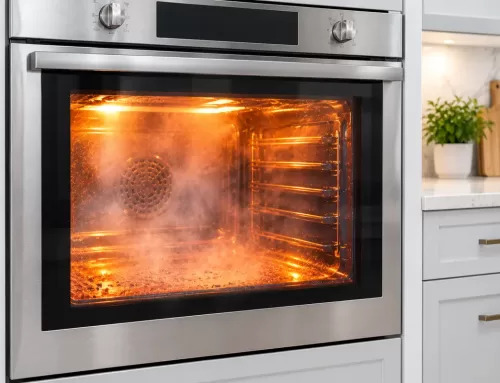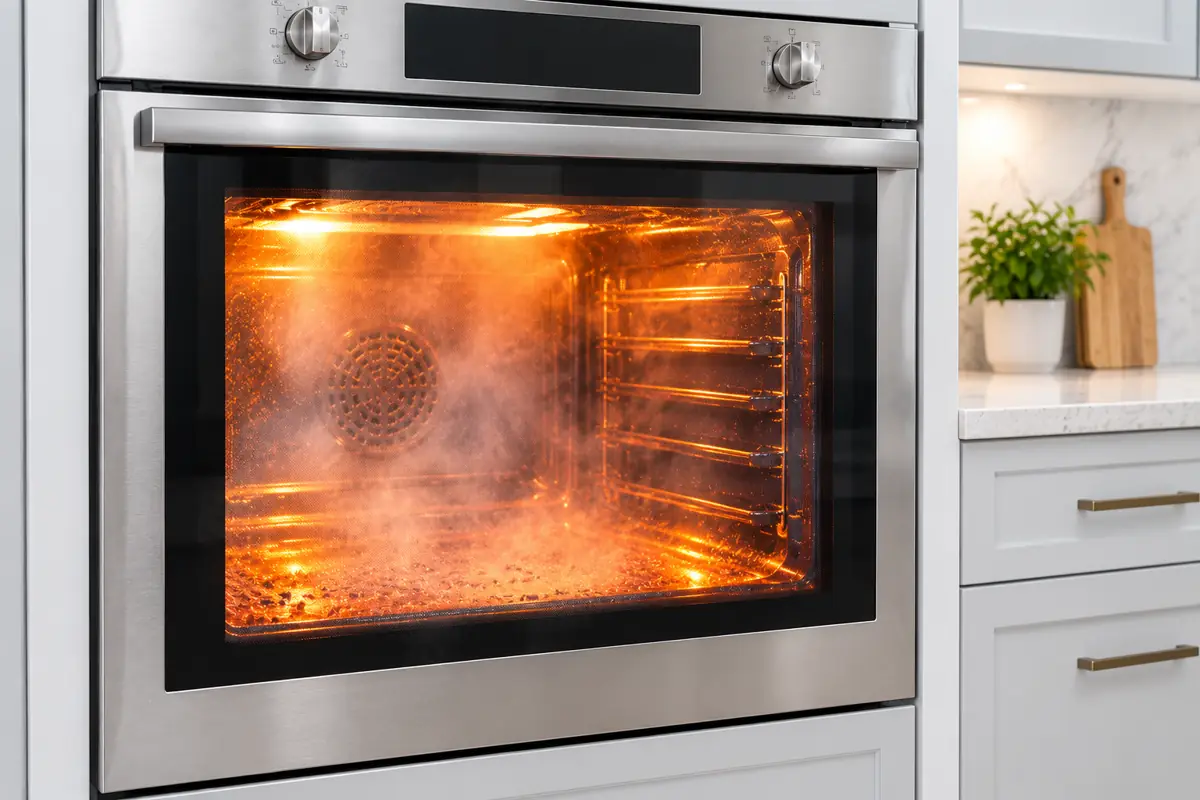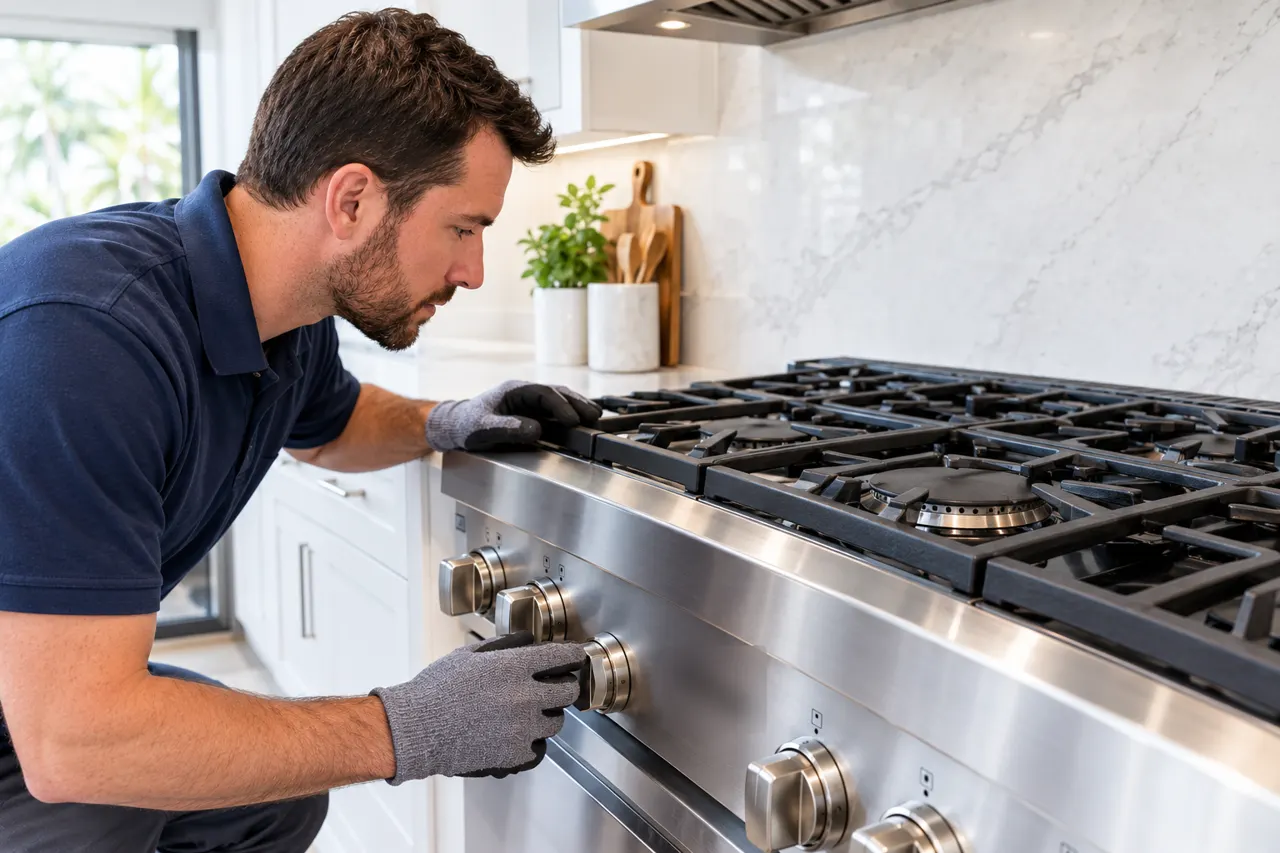
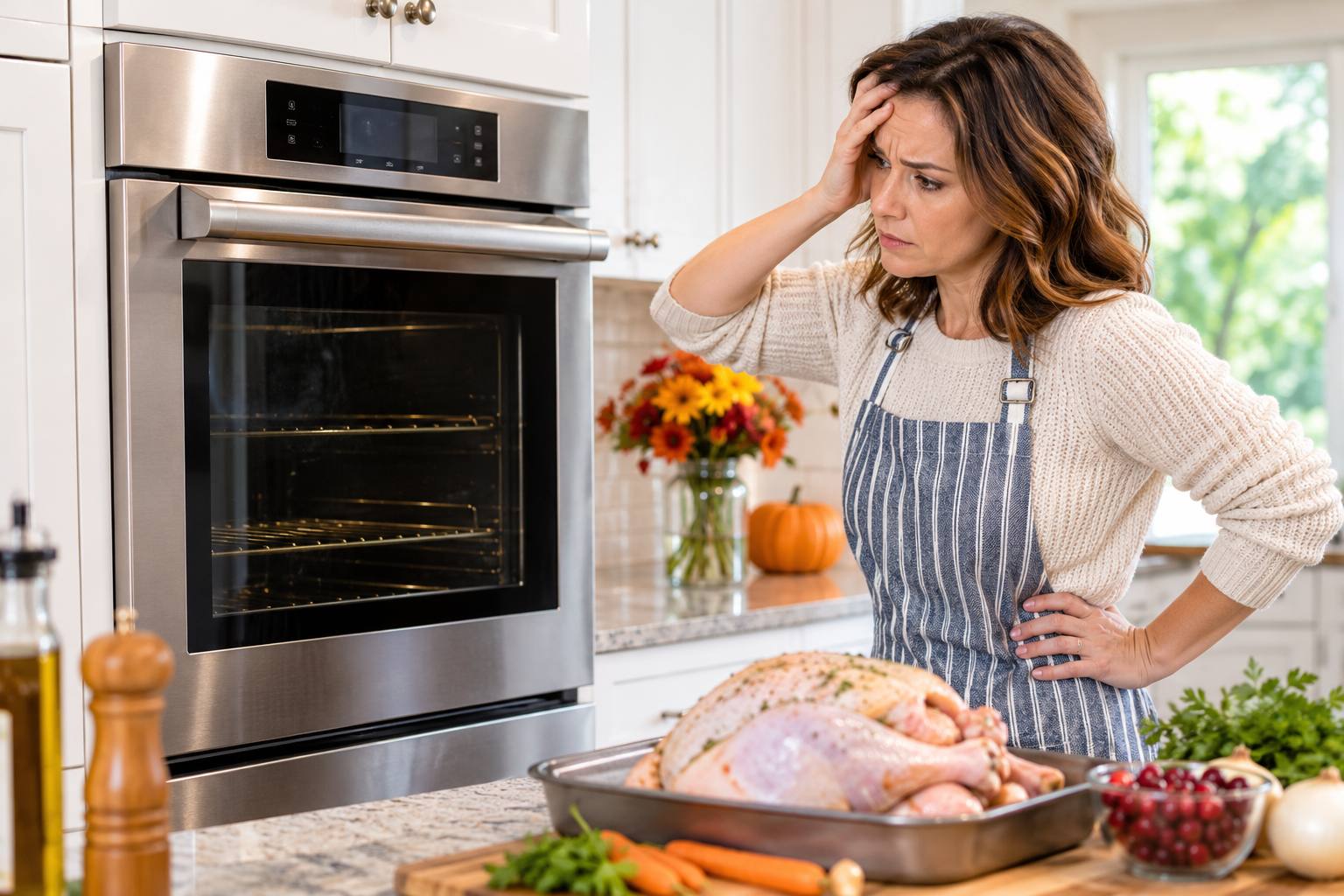
If your Thermador oven stops working before Thanksgiving, start with power, the control panel and the door. Check the plug, the breaker or fuse, a clean and dry control surface, and a door that closes fully. If none of that fixes it, stop and call for service.
Last updated: November 11, 2026
What should I check first if my Thermador oven is not working?
The checks below come from Thermador’s own oven troubleshooting page. They are safe for a homeowner and take a few minutes.
| What you see | What Thermador’s support page lists | What to do |
|---|---|---|
| Oven will not turn on | Not plugged in, no power at the outlet, or a blown fuse or tripped breaker | Check the plug, test the outlet with a small device, and reset the breaker or replace the fuse. If the outlet is dead, call an electrician. |
| Oven starts, then switches off | Door not closed properly, or food or an object jammed in the door | Open the door, remove anything caught in it and close it again. |
| Display blank or controls unresponsive | Dirty or wet control surface, or a display fault | Clean and dry the panel and use the flat of your finger. Turn the breaker off for five minutes, then on. If it persists, schedule service. |
| Door locked and will not open | A lock fault, or food jammed in the door | Turn the oven off at the breaker, wait five minutes and turn it back on. Remove anything jammed in the door. |
| Oven heats badly | A temperature setting that needs adjustment | Check your owner’s manual for the temperature adjustment. Heating faults beyond that need a technician. |
Source: Thermador oven troubleshooting. Steps vary by model, so check your owner’s manual too.
What if I have a double oven or a self-cleaning oven?
Thermador’s support page has extra steps for two situations. For a double oven where the second oven will not heat above 175°F, it says to check that the circuit amperage matches the data plate and to clear any blockage in the vent opening. For a self-cleaning oven whose door latch will not retract, it says to remove the racks, run a 2-minute Self-Clean cycle, exit the cycle, and contact service if the problem continues. Our self-clean oven guide explains the cycle in more detail. Both fixes depend on your model, so confirm the steps in your owner’s manual before you try them.
Do these checks apply to a gas oven?
Thermador’s oven troubleshooting page covers electric ovens and has no gas-specific guidance. Power, display and door checks are still reasonable first steps on a gas model, but a gas oven can also fail in ways that involve the gas supply and ignition. Those are not homeowner repairs. If you smell gas, leave the home and call your gas utility or emergency services before you do anything else. For gas ranges, see our range repair page and our oven and range troubleshooting guide.
What if the oven turns on but does not heat?
An oven that turns on but does not heat usually has a failed part, and that is not a homeowner repair. Our Thermador oven troubleshooting guide lists the usual causes. For a specific error code, see the oven error codes guide.
When should I stop and call for service?
- The checks above did not restore power or heat.
- An error code comes back after you reset the breaker.
- The display is still blank after a breaker reset.
- You smell gas. Leave the home and call your gas utility or emergency services first.
- You see sparks, scorching or a burning smell. Turn the oven off at the breaker.
Do not open the oven or touch wiring or gas connections. We repair Thermador ovens: see our Thermador oven repair page, or call (855) 920-0838. Ask for the earliest available appointment. Scheduling depends on your area, so call as soon as you know there is a problem.
What should I have ready before I call?
A short, accurate description saves time on the call and helps the technician plan the visit. Have these details to hand:
- The oven model and serial number, which are on the data plate. Check your owner’s manual for where to find it on your model.
- Whether it is a single or double oven, and whether it is electric or gas.
- Any error code or message on the display, written down exactly as it appears.
- What happened and when it started. For example, it stopped mid-bake, it will not power on, or it heats unevenly.
- What you have already tried, such as resetting the breaker or cleaning the control panel.
- Your address, so we can confirm your area.
What should I do about the holiday meal?
Plan for the oven not being back in time. You could use a second oven, borrow a neighbor’s, or move some dishes to the stovetop or a grill. If you have a Thermador range, check whether the cooktop still works. See our range repair page if it does not.
How should I plan the week before Thanksgiving?
Oven problems are easier to handle when you find them early. A simple order of work keeps you from losing days.
| When | What to do |
|---|---|
| Now | Run the checks in the table above. Do not wait until the day before the meal to find out the oven has a problem. |
| If a check fails | Stop and call for service. Give the details from the list above and ask for the earliest available appointment. |
| While you wait | Leave the oven off if it shows an error, trips the breaker or smells of burning. Plan where each dish will cook. |
| Before the day | Once the oven is working, run a short test heat so you know it holds its temperature and the display and door behave normally. |
| Backup plan | Line up a second oven, a neighbor’s oven, the stovetop or a grill for the dishes that matter most. |
Holiday weeks are busy for any repair company, so earlier is better. We cannot promise a visit date. Scheduling depends on your area and on what the diagnosis finds.
How much does an oven repair cost?
The price depends on the part and the model, so we quote after a diagnosis. For national price ranges, see our Thermador repair cost guide. If the oven is old, our repair vs replace guide explains the 50% rule.
Where do we repair Thermador appliances?
Thermador Repair Group repairs Thermador appliances in the areas covered by our city pages:
- Fort Lauderdale, FL
- Lowell, MA
- Levittown, PA
- Oak Park, IL
- Oakland, CA
- Irvine, CA
- Antioch, CA
- Burlingame, CA
To check your address, contact us or call (855) 920-0838.
Frequently asked questions
Why is my Thermador oven not turning on?
Thermador’s support page lists three first checks: the oven is not plugged in, there is no power at the outlet, or a fuse has blown or a breaker has tripped. Check those first. If the oven still has no power, schedule service.
Why is my Thermador oven display blank?
Thermador says to make sure the control surface is clean and dry and to press the touch keys with the flat part of your finger. If the display still fails, it suggests turning the breaker off for five minutes and back on. If that does not help, schedule service.
What if my Thermador oven door is locked and will not open?
Thermador says to turn the oven off at the breaker, wait five minutes and turn it back on. Check for food or objects jammed in the door. For a self-cleaning oven whose latch will not release, see our self-clean guide.
What does an error code on my Thermador oven mean?
Codes differ by model, and Thermador lists them in a separate error codes section. Our Thermador oven error codes guide covers the common ones. A code that returns after a reset usually needs a technician.
Should I keep trying to fix my oven myself?
Stop after the simple checks above. Do not open the oven or touch wiring or gas connections. If you smell gas, leave the home and call your gas utility or emergency services.
How do I get a Thermador oven looked at?
Call (855) 920-0838 and ask for the earliest available appointment. Scheduling depends on your area, so call as soon as you know there is a problem. We give a quote after the diagnosis.
Sources
Thermador is a trademark of its owner. Thermador Repair Group is an independent service company and is not affiliated with or endorsed by Thermador.