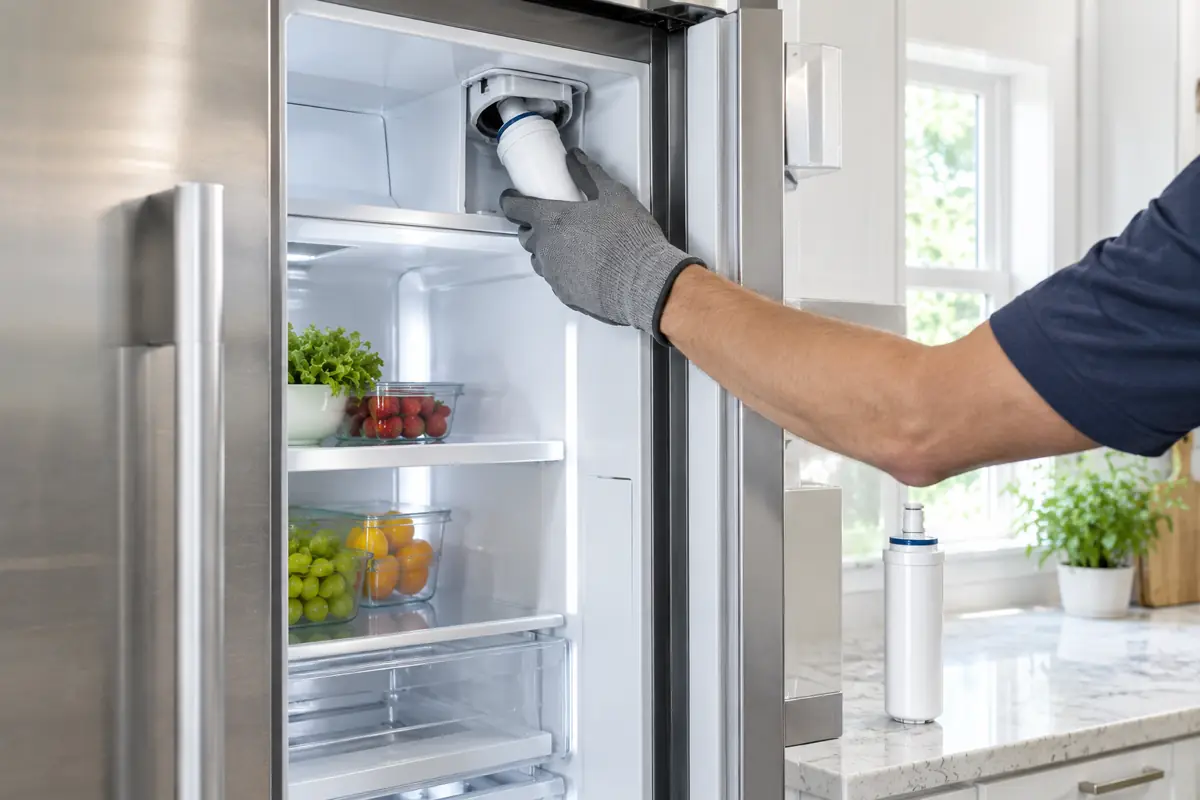
Thermador recommends changing the refrigerator water filter every 6 months, or when your refrigerator or freezer alerts you. To do it, twist the old filter out counter-clockwise, move the cap to the new filter, insert it and turn it clockwise until it locks. Then flush it, reset the filter alert, and discard the first 24 hours of ice.
This guide shows where the filter is on each type of Thermador refrigerator, the replacement steps, how to reset the alert for your series, and what to check if the water, ice or a leak is still a problem afterward. Steps vary by model, so keep your owner’s manual handy.
When to Change the Filter
- On a schedule. Every 6 months.
- When the refrigerator tells you. A filter alert on the display means it is time, even if 6 months have not passed.
Keeping to the schedule is part of routine care. See our Thermador maintenance checklist for the rest of the yearly routine.
Where the Water Filter Is
| Model type | Where the filter is |
|---|---|
| Built-in refrigerator | Bottom left of the appliance |
| Bottom-freezer built-in | Bottom left, behind the freezer drawer. Open the drawer and lift the grill cover |
| Freestanding | Top right, in the recess below the filter cover |
| Under-counter | Thermador’s page gives the install step but not the location. Check your owner’s manual |
| Freedom and column models | Not covered on Thermador’s page. Check your owner’s manual |
How to Replace the Filter
These steps are common to most models:
- Prepare the new filter. Remove the plastic wrap and any cap from it.
- Remove the old filter. Turn it counter-clockwise and pull it out.
- Move the cap. Take the cap from the bottom of the old filter and fit it to the bottom of the new one.
- Insert the new filter. Slide it in and turn it clockwise until it locks.
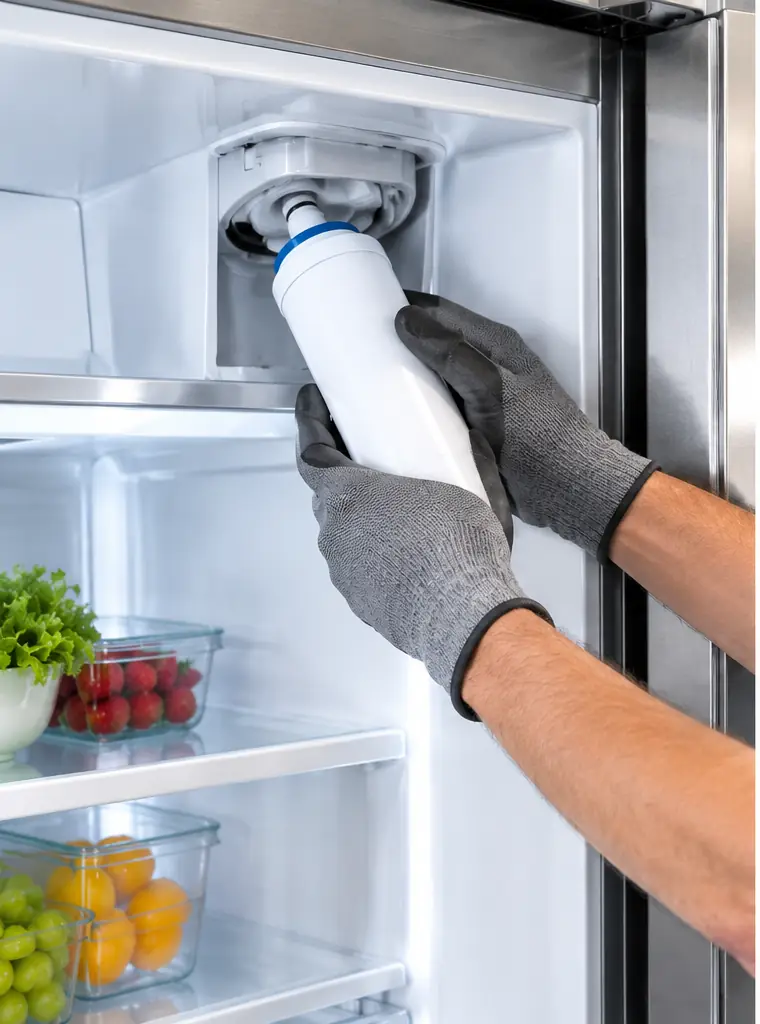
Model differences:
- Built-in. Align the cap with the raised lines on the unit.
- Bottom-freezer built-in. Flip the grill cover down after inserting the filter and close the drawer.
- Freestanding. Pull the filter cover forward to reach the filter, then slide the cover back when you are done. Thermador’s written steps for the cover position contradict each other, so follow your owner’s manual or Thermador’s video.
- Under-counter. Slide the filter in with the cap attached and turn it clockwise until it locks.
If the filter will not seat. Thermador’s tips: turn it clockwise while pushing it in. If the cap sticks out, lift the filter while it is inserted, then turn it clockwise while pushing in.
Flush the New Filter
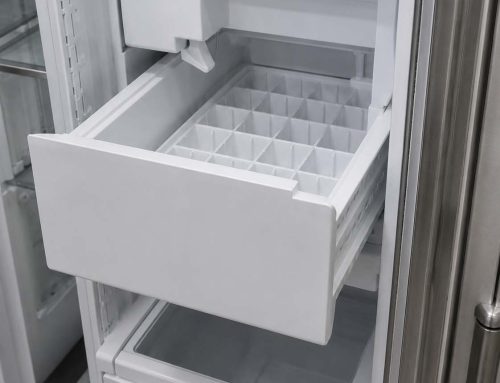
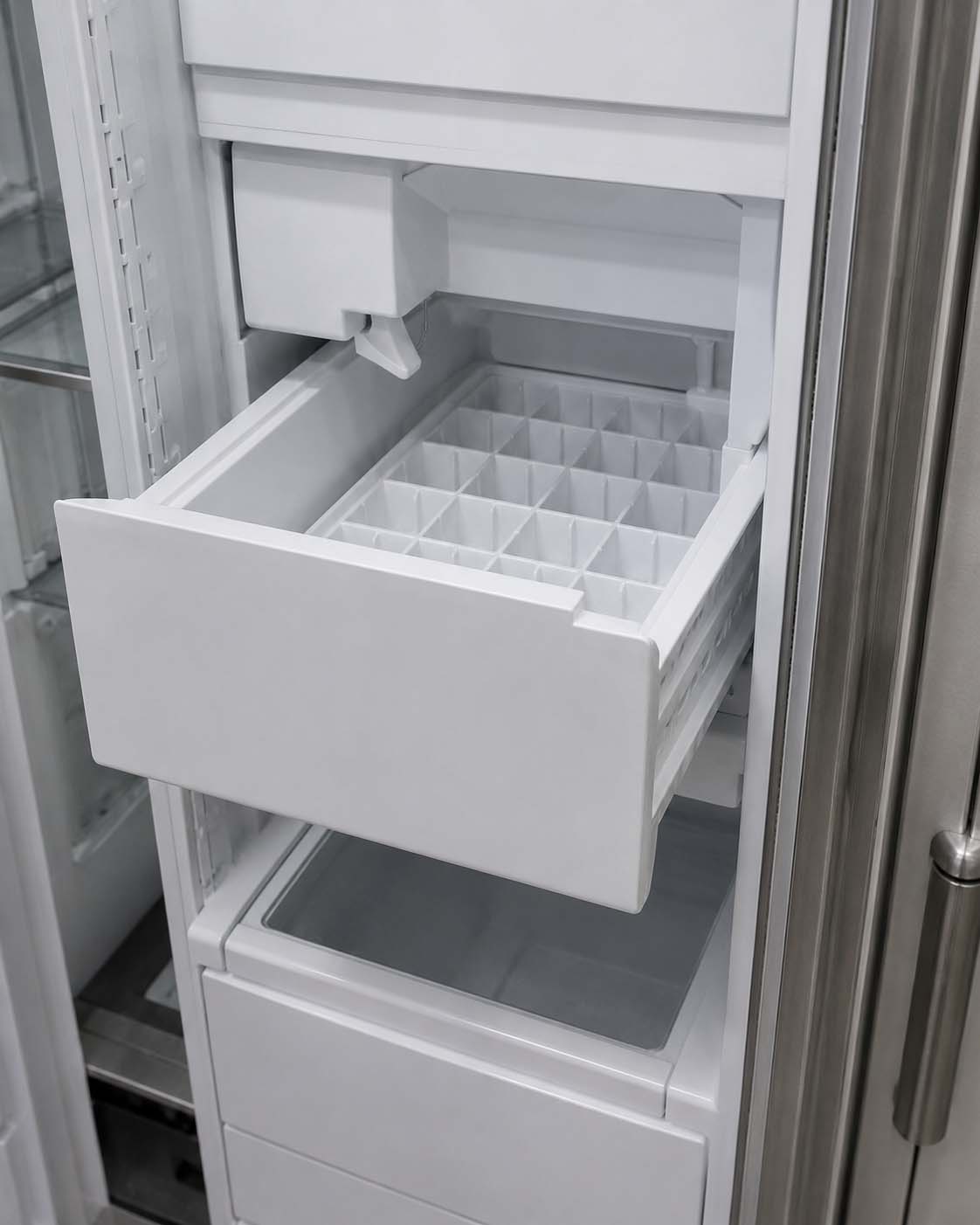
- Ice. Discard the ice made in the first 24 hours.
- Water dispenser. If your refrigerator has one, run it for 5 minutes and discard the water.
Reset the Filter Alert
After replacing the filter, reset the alert so the refrigerator counts from zero. The steps depend on your series, which is the 6th digit of your model number. Thermador describes these as general guidelines.
| Series (6th digit of the model number) | Reset after replacing the filter |
|---|---|
| 100 | Select “Go to Filter Management” from the filter alert on the display, then click “Reset” in the top right of the water filter section |
| 700 and 800 | Hold the SETUP and ICE buttons together for three seconds |
| 900 | Open the settings menu and select “Reset Water Filter Counter” |
On the 700 and 800 series, the same reset steps apply after you insert a bypass filter or cartridge. To turn the alert back on, press SUPER and ICE together for three seconds. For other cases, such as the 900 series bypass steps, check your owner’s manual. If the alert will not clear, see our refrigerator error codes and reset guide.
Choosing the Right Filter
- Use Thermador’s filter finder. It matches the filter to your refrigerator. Your model number is on the type plate, and your owner’s manual lists it too.
- Buy original filters. Thermador warns about counterfeits and says to buy original, authentic filters.
- Filter head replaced in a repair? A different filter may be needed. Thermador asks you to confirm with Customer Support.
Thermador’s UltraClarity filter pages name REPLFLTR10 and REPLFLTR30 in their fit tips, but they do not list which refrigerators use them. Confirm compatibility for your model before you buy.
Problems After Changing the Filter
| What you notice | Safe first step |
|---|---|
| Water leaks around the filter | Check that the filter is fully inserted and locked, and that the cap does not stick out. See our refrigerator leaking water guide |
| No ice, or less ice | Allow for the first 24 hours of ice to be discarded. After that, see our ice maker not making ice guide |
| Water is slow from the dispenser | Run the dispenser for 5 minutes as Thermador says, then check that the filter is seated and locked |
| Filter alert will not clear | Follow the reset steps for your series, then see our error codes and reset guide |
When to Call a Technician
Call when:
- Water keeps leaking after you have reseated the filter.
- Ice or water has not returned after 24 hours and the filter is seated.
- The filter still will not lock in after you have tried Thermador’s fit tips.
- The filter alert returns after you have reset it for your series.
To book a visit, see our Thermador refrigerator repair or ice maker repair service, or contact us. For a wider symptom guide, read our refrigerator troubleshooting guide.
Frequently Asked Questions
How often should I change a Thermador refrigerator water filter?
Thermador recommends changing it every 6 months, or when your refrigerator or freezer alerts you.
Where is the water filter on my Thermador refrigerator?
It depends on the type. On a built-in it is at the bottom left. On a bottom-freezer built-in it is at the bottom left behind the freezer drawer grill. On a freestanding model it is at the top right under the filter cover. For other models, check your owner’s manual.
How do I reset the filter alert after replacing the filter?
The steps depend on your series, which is the 6th digit of your model number. On the 100 series, use Filter Management on the display. On the 700 and 800 series, hold SETUP and ICE for three seconds. On the 900 series, use Reset Water Filter Counter in the settings menu. Thermador calls these general guidelines, so check your owner’s manual.
Why is my Thermador not making ice after a filter change?
Thermador says to discard the ice made in the first 24 hours after a filter change, so a short pause is expected. If there is still no ice after that, check that the filter is fully seated and locked, then see our ice maker not making ice guide.
Why is water leaking after I changed the filter?
Check that the filter is fully inserted, turned clockwise until it locks, and that the cap does not stick out. Thermador’s fit tips are to rotate clockwise while pushing in, or to lift the filter and rotate if the cap sticks out. If it still leaks, see our refrigerator leaking water guide or call for service.
Can I use a non-Thermador filter?
Thermador warns about counterfeit filters and says to buy original, authentic filters. It also has a filter finder to match the right filter to your refrigerator. A different filter may also be needed if the filter head was replaced during a repair, which Thermador asks you to confirm with Customer Support.
Do I need to flush a new Thermador water filter?
Thermador says to discard the ice made in the first 24 hours. If your refrigerator has a water dispenser, run it for 5 minutes and discard the water.
Get Your Thermador Refrigerator Checked
If your refrigerator still leaks, drips slowly or makes no ice after a new filter, book a Thermador refrigerator repair or call (855) 920-0838. To check whether we cover your area, see our service locations.