Thermador oven and range error codes are fault signals — the letter E (or F on older models) plus a number that identifies which sensor or circuit failed. Press the TIMERS key to silence the beeping, reset the appliance at the breaker, and call a certified technician if the code returns after the reset.
A code on the display is not a guess — the control board logged a specific fault, and that number tells a technician where to start. This guide explains what the codes mean, which ones you can verify against Thermador’s own documentation, how to perform a safe reset, and when the code is telling you to stop cooking and book service. Thermador Repair Group services Thermador wall ovens, ranges, and cooktops nationwide with certified technicians — if a code keeps returning, you can book a diagnostic visit.
What an E-code on the display actually means
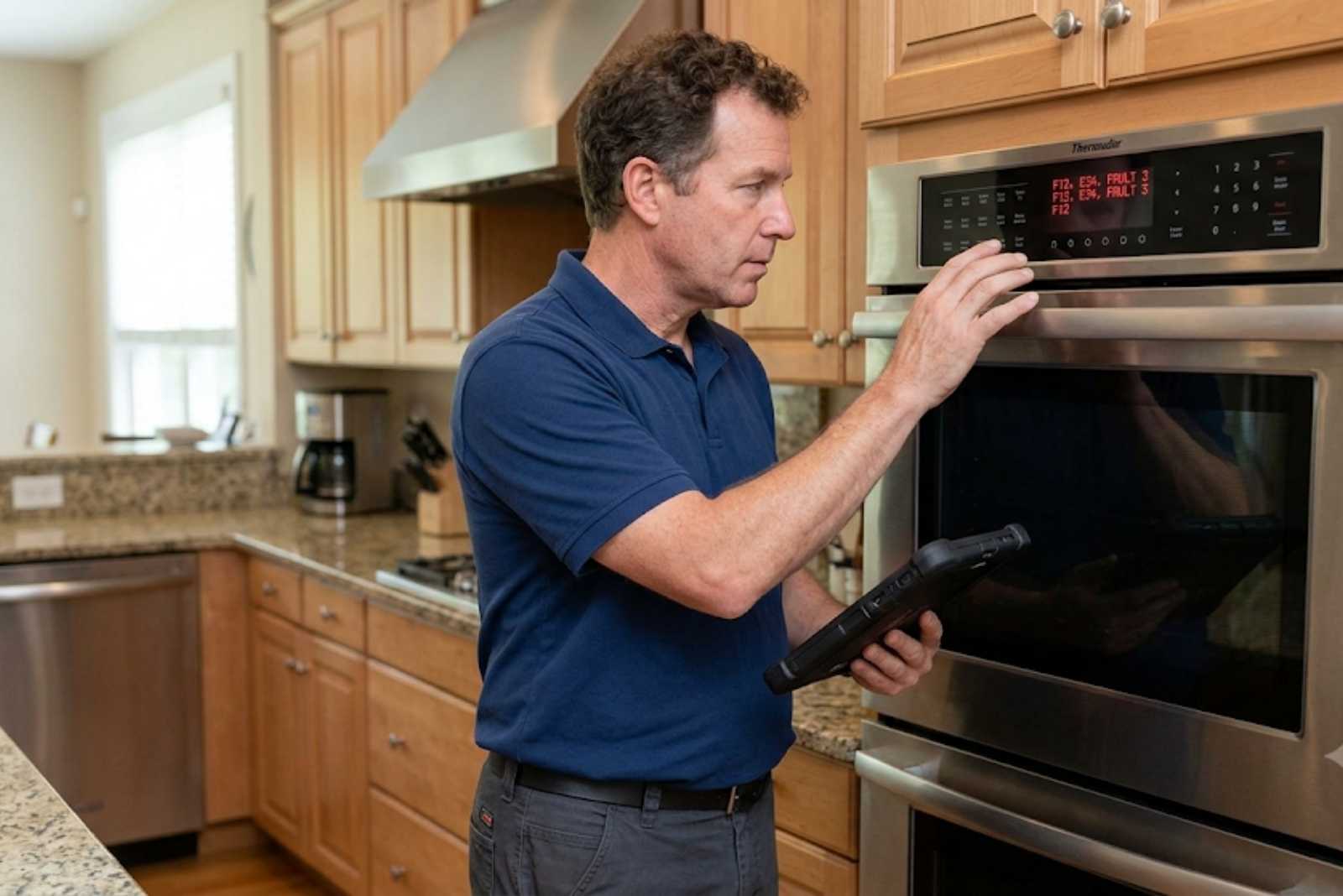
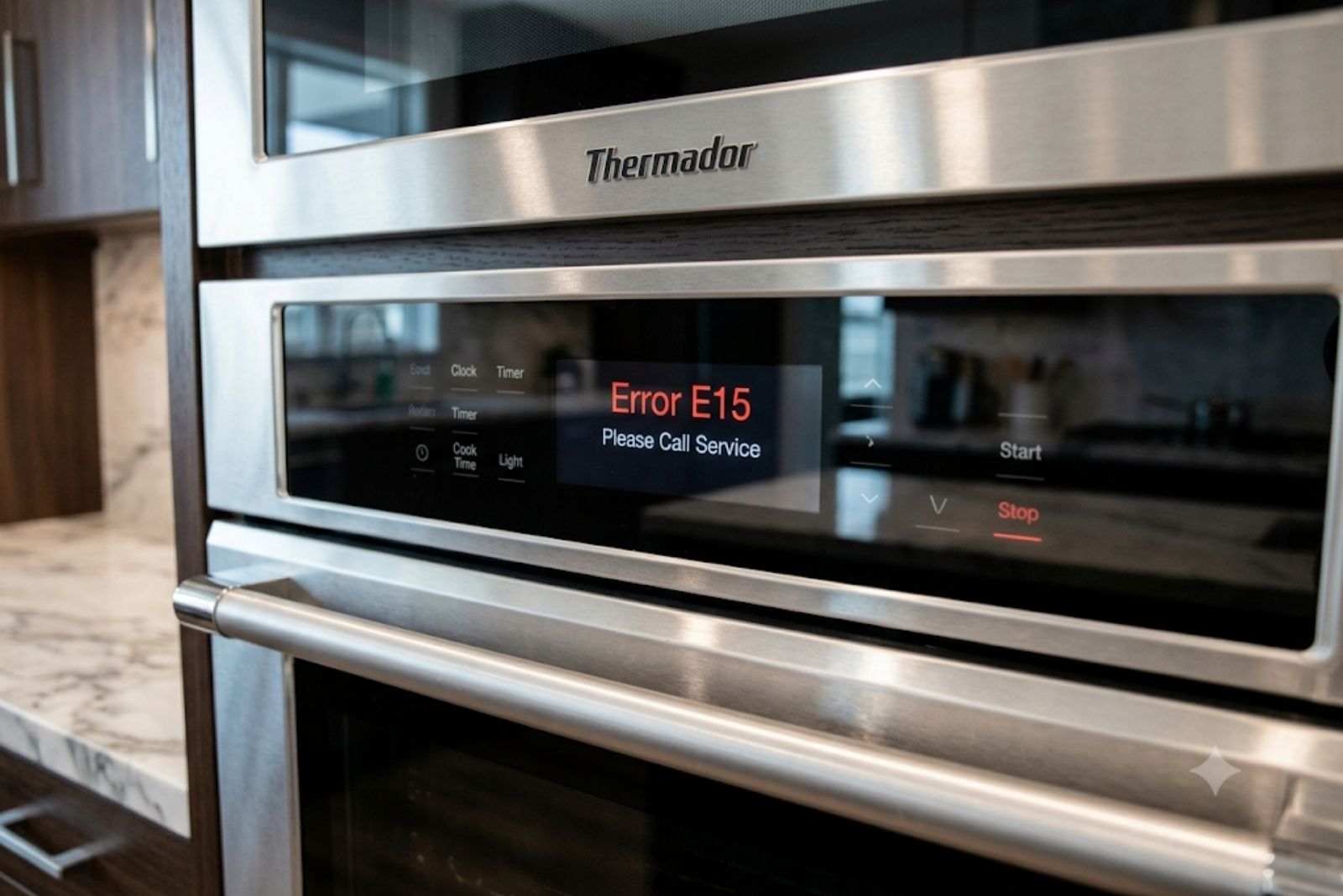
When “E” and a number appear and the control beeps, the oven’s control board has detected a reading outside its expected range — from a temperature sensor, a door latch switch, or an internal circuit. Thermador’s official guidance for any E-code is a three-step sequence: press TIMERS (or any key) to stop the beeping, reset the oven, and call support if the code returns, per Thermador’s oven error code page.
The code structure follows a pattern on double and triple wall ovens. Codes starting with E1 point to the upper oven, and codes starting with E2 point to the lower oven — the same fault gets a different first digit depending on which cavity reported it.
How do I reset a Thermador oven or range?
Turn the oven off at the control, then shut off its circuit breaker for 2 to 5 minutes. Restore power and let the display reboot fully before testing a bake cycle. A reset clears a one-time glitch — a voltage spike, a stalled software routine — but it does not repair a failed sensor. If the same code returns within a day or two, the fault is real.
Verified Thermador oven error codes (partial list)
Thermador does not publish a public code-by-code table, so this list covers only codes verifiable in service documentation — it is intentionally partial rather than padded with guesses. The most consistently documented codes are the temperature sensor faults on Masterpiece wall ovens, per Sears PartsDirect service documentation:
| Code | Meaning | What it usually takes |
| E101 / E104 | Upper oven temperature sensor failure (open or short circuit) | Sensor test and replacement; wire harness check first |
| E201 / E204 | Lower oven temperature sensor failure (open or short circuit) | Same diagnosis path as the upper sensor |
| E0211, E1601, E0510 | Home Connect software-update errors on WiFi models — not hardware faults | Retry the update on stable WiFi; the oven cooks normally |
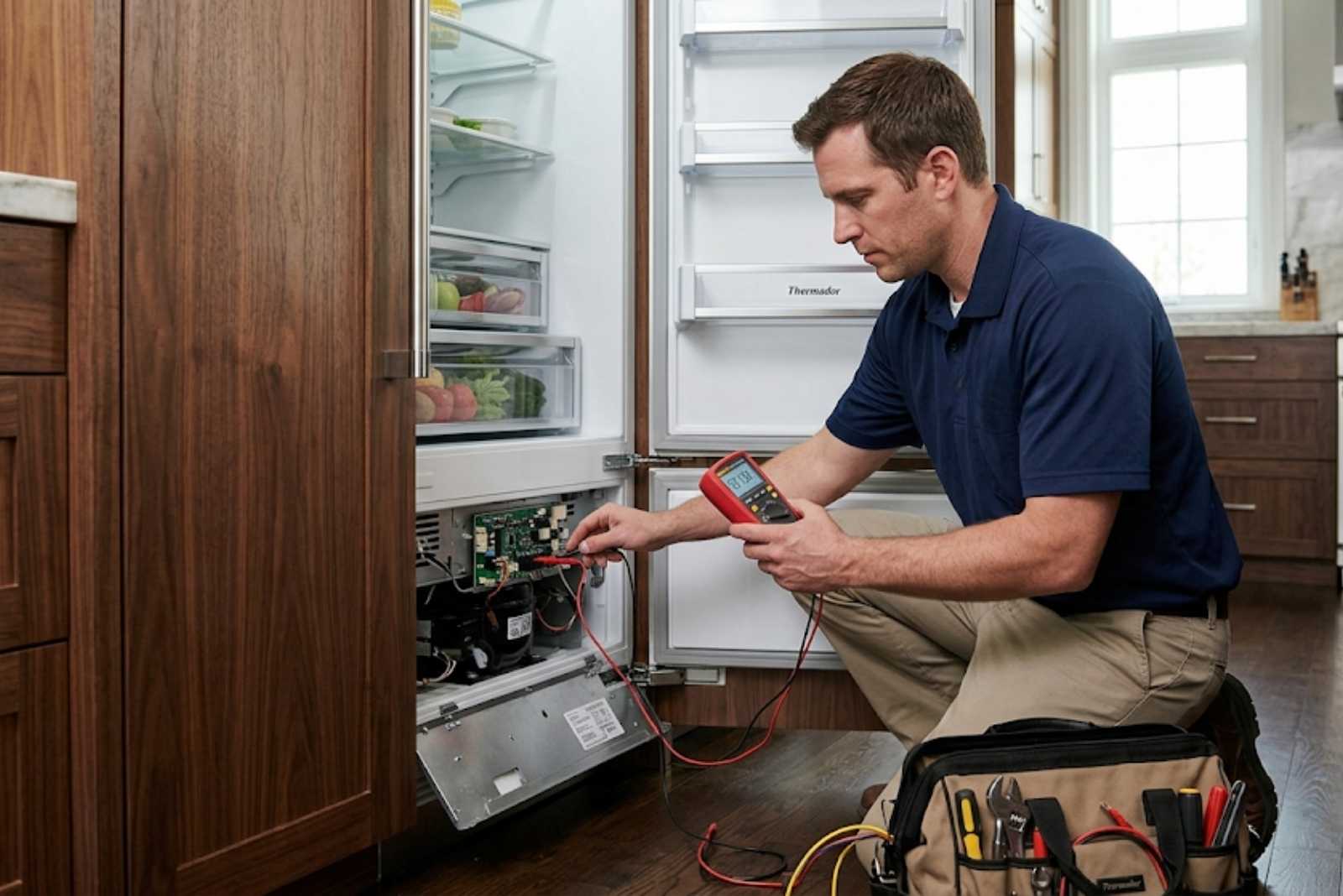
A healthy Thermador oven temperature sensor should measure about 1,080 ohms of resistance at 70°F, per Sears PartsDirect service documentation. That single measurement is how a technician separates a $150–$300 sensor swap from a control board problem — and it is why a returning E101 or E201 rarely needs guesswork.
If your code is not in this table, don’t force a match from an unverified list on the internet — the same code number means different things on different Thermador appliance types. Note the exact code (including leading zeros) and give it to the technician when booking; it usually lets them arrive with the right part.
What about F-codes on older Thermador ranges?
Ranges and wall ovens built before the current BSH-platform generation display F-codes instead of E-codes. Their meanings are model-specific, so the reliable source is the technical sheet for your exact model number — found behind the door jamb or under the cooktop. A certified technician carries these fault charts; a generic F-code list found online often maps to the wrong control board generation.
The Home Connect exception: codes that aren’t faults
Thermador’s official documentation calls out exactly three codes — E0211, E1601, and E0510 — as errors that appear during a Home Connect software update on WiFi-enabled ovens. These are connectivity hiccups, not hardware failures, and the oven keeps working normally while they show. Confirm your home WiFi is stable, update the Home Connect app, and rerun the update. No service visit is needed for these three codes alone.
When an error code means stop and call
Treat these situations as a stop signal rather than a reset-and-retry: a code paired with a burning smell or visible arcing, a door that locks and won’t release after self-clean, any gas smell (leave the appliance off, ventilate, and call your gas utility first), or the same code returning twice after breaker resets. A sensor fault caught early is typically a one-visit repair; running an oven with a failed sensor can overheat the cavity and take the control board with it — turning a modest sensor job into a far larger board replacement.
Thermador Repair Group’s certified technicians diagnose E- and F-codes on Professional and Masterpiece series ovens and ranges, and repairs are backed by a warranty. Start with the Thermador oven repair or Thermador range repair page for your appliance.
Frequently asked questions
Can I clear a Thermador error code myself?
Yes — silence the beeping with the TIMERS key, then cut power at the breaker for 2 to 5 minutes and restore it. This clears the display and resolves one-time glitches. What a reset cannot do is fix the underlying part: if a sensor or relay has genuinely failed, the code will return the next time the oven runs that circuit.
Why does the error code come back after a reset?
A returning code means the control board keeps detecting the same out-of-range reading — the fault is in the hardware, not the software. The most common culprits on Thermador wall ovens are the cavity temperature sensors (codes E101/E104 upper, E201/E204 lower). At that point the fix is testing and replacing the component, which is a technician job.
Is it safe to keep cooking with an error code showing?
Generally no, with one exception: the Home Connect update codes E0211, E1601, and E0510, which Thermador confirms don’t affect cooking. Any other persistent code means a sensor or circuit is misreporting, so the oven may overheat, underheat, or fail mid-cycle. Stop using the affected cavity and book a diagnostic — continued use risks turning a small repair into a control board replacement.
Get the code diagnosed, not guessed
An error code is your oven handing you the diagnosis in shorthand — the worst move is ignoring it, and the second worst is guessing from an unverified list. Write down the exact code, try one breaker reset, and if it returns, book a certified Thermador technician and give them the code when you call. Arriving with the right part on the first visit is what keeps a sensor fault a one-visit repair. For step-by-step help with a cold oven, see our Thermador oven not heating fix guide.